
Clinton VINELink Inmate Check
Michigan MI-VINE is the state-supported victim information and notification program. Access is free and confidential. It runs around the clock, drawing custody and court-status details from participating agencies. VINELink is its public web and mobile search route. Use it for custody checks, not booking photographs. A historical Michigan Department of Corrections family packet lists Clinton County Jail as a VCL site, and newer state reporting describes MI-VINE participation among Michigan sheriff offices and county jails. Old listings do not promise live data today. Select Michigan in VINELink and confirm Clinton County or the right agency each search, then read the official MI-VINE overview for program details.
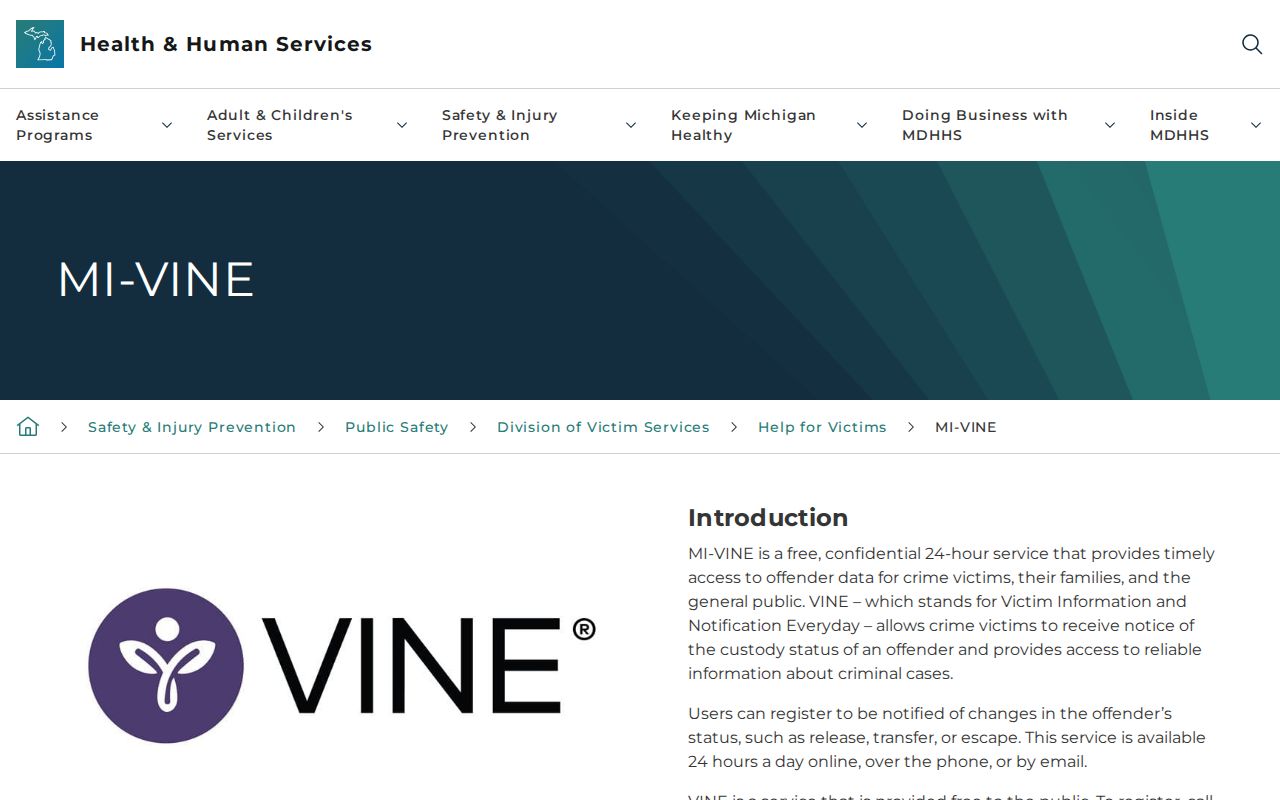
The state page explains the notification role before a visitor reaches the third-party VINELink screen.
Search Clinton Custody on VINELink
Start with enough detail to separate people who share a name. Search options vary by state and agency. The Michigan screen may ask for a first and last name or an ID number. Partial spelling widens results. But it also raises the odds of a false match.
- Open VINELink and select Michigan as the state.
- Choose the applicable custody search and confirm Clinton County or the agency shown in the live selector.
- Enter the person’s legal name. Add an offender or booking identifier when one is known.
- Compare every returned identifier and custody detail. Do not rely on a name alone.
- Open the matching record, review the stated status and agency, then choose notification options if needed.
No record showing? Check the spelling and the jurisdiction you picked. Then call Clinton County Jail, where Jail Operations lists 989-403-5090 for inmate inquiries and the Sheriff page lists 989-227-6580 for jail and inmate information. Processing, release, housing elsewhere, or agency coverage could all explain the empty result.
What Clinton VINELink Shows
Result fields depend on the live Michigan deployment and the contributing agency. VINELink only carries the custody data agencies supply. Fields differ, and updates may lag. Read the table as a framework, not a promise of every item.
| Possible result | How to read it |
|---|---|
| Name or identifier | Use it to distinguish multiple matches; confirm identity with another known fact. |
| Custody status | A snapshot from a participating agency, not a court disposition. |
| Custody location | The reporting facility or agency; it may change after transfer. |
| Release or transfer event | A status change that may trigger a notice when registration is active. |
| Agency information | The source to contact when a result is unclear or appears delayed. |
| Notification options | Available channels may include telephone, email, text, or app notice. |
| Booking photo | Not the purpose of MI-VINE and not guaranteed as a result field. |
| Final case outcome | Not established by custody status; consult the proper court. |
A status like in custody names no arresting agency. It says nothing about the alleged conduct. Clinton County Jail houses county residents plus boarders from other county, state, and federal systems. The location tells you where a person is held, not where the arrest happened.
Register for Clinton Custody Alerts
Registration turns a one-time lookup into a notice request. Find and verify the person first. Then pick the Notify Me control on the matching record and choose phone, email, text, or mobile alerts as the interface allows.
- Select the verified person and the custody event that matters.
- Choose each available notification channel that can be checked safely and often.
- Enter the requested phone number or email address and confirm it accurately.
- Create a personal identification number when the phone workflow requests one.
- Save any registration details and follow the system’s verification prompt.
- Keep jail and emergency contacts available because an alert is not a safety plan.
The PIN confirms receipt. It also manages a telephone registration. Keep it private and memorable. If calls keep coming after a notice is understood, follow the prompts or use the service's support route. Never register with another person's contact details without consent, and see the VINELink search and Notify Me interface for the working screen.

The interface links one custody record to alert choices rather than a gallery of people.
Clinton Booking Data Can Lag
MI-VINE relies on data transmitted by participating agencies. A fresh arrest may not appear yet. Processing, transport, and county intake all take time, and a release or transfer can slip in before a search result or notice updates. Helpful, yes, but not instant or error-free.
For a very recent event, check the Daily Arrest Report and call the jail. Need a booking document or photograph? Use the Clinton County Sheriff FOIA route. VINELink does not replace a government records request.
VINELink Versus Clinton Jail Records
Every official route has a narrow job. Mixing them invites wrong conclusions, especially once a person moves from local custody into another system.
| Source | Best use | Main limit |
|---|---|---|
| VINELink / MI-VINE | Participating custody status and release or transfer notices | May lag and is not a mugshot or disposition source |
| Clinton County Jail | Current facility inquiry | A phone answer may not provide the complete record |
| Sheriff FOIA | Named booking card, intake item, release form, or photo request | Processing, fees, exemptions, or redactions may apply |
| 65A and Circuit courts | Arraignment, bond, case events, and disposition | Online results may omit confidential or juvenile material |
| MDOC OTIS | State prison, parole, probation, or recent MDOC supervision | Not a county booking search |
The Clinton County Sheriff lists no jail-roster app. County emergency alerts and Sheriff social posts are not inmate databases. Nor is VINELink a Sheriff app; it is a state-supported notification service with its own web and mobile access.
Clinton VINELink Coverage Limits
A blank result can have several causes. The name may be spelled differently. The arrest may be too fresh for the system. A person can also leave custody, a facility can sit out the selected search, or the record may stay confidential. Juvenile and sealed files carry extra restrictions. Never piece together a protected identity through social posts or unofficial databases.
VINELink skips federal custody. Federal prison calls for the Bureau of Prisons inmate locator, while immigration detention uses the ICE Online Detainee Locator. Michigan state prisoners, parolees, probationers, and some recently discharged people appear in the MDOC OTIS system. None of those replaces a Clinton County Jail intake check.
Charges listed beside a custody record can shift. A court docket may later show a plea, acquittal, conviction, or set-aside as the case moves.
Confirm Clinton Jail Custody
Call the jail directly. Clinton County Jail sits at 1347 E Townsend Road in St. Johns, MI 48879. The Jail Operations and Sheriff’s Office pages post the inmate inquiry numbers. Give the full name first. Add a birth date or booking date when known. Staff can explain processing, release, or transfer status.
For a lasting record, file through Clinton County FOIA or email the Sheriff FOIA contact at sherifffoia@clinton-county.org. Request the exact booking item. VINELink may not contain it.
Note: Notification tools build awareness, but confirming with the facility directly stays essential when custody status affects an urgent personal or legal need.
Responding to a Clinton Alert
A release or transfer alert reports one custody event. It will not explain why. Nor does it promise where the person goes next. Read the event time, reporting agency, and status shown in the notice. Then call the listed agency or Clinton County Jail when details stay unclear.
Delays and data errors still happen. Keep any safety plan, court order, advocate contact, or emergency number separate from the technology. Michigan treats MI-VINE as confidential, but guard the account details and the PIN used for telephone notices. If danger is immediate, call 911 rather than wait for the next update.
A transfer may open a new custody system. Someone moved into Michigan state prison or supervision can surface in MDOC OTIS, and a federal transfer calls for the federal locator. Continue on VINELink only when the receiving agency participates.
Save the agency, time, and exact wording of any status notice. Follow-up may matter later. Results change when a person is moved, released, or entered under corrected identity data. Confirm the current location with the receiving facility. Get any lasting booking record from the government office that created it. Repeat the check when a new participating agency appears.
Public Record Search
Sponsored Results